Shard Master is a 2.5D a monster collection game like that of Pokemon but has the turned based grid combat system similar to Fire Emblem and other SRPG’s. I am the Technical Artist on this project developing the visual effects for the game.

Shard Master is a 2.5D a monster collection game like that of Pokemon but has the turned based grid combat system similar to Fire Emblem and other SRPG’s. I am the Technical Artist on this project developing the visual effects for the game.
with the previous issue of view direction solved i went on to get post process working, the final result is this.

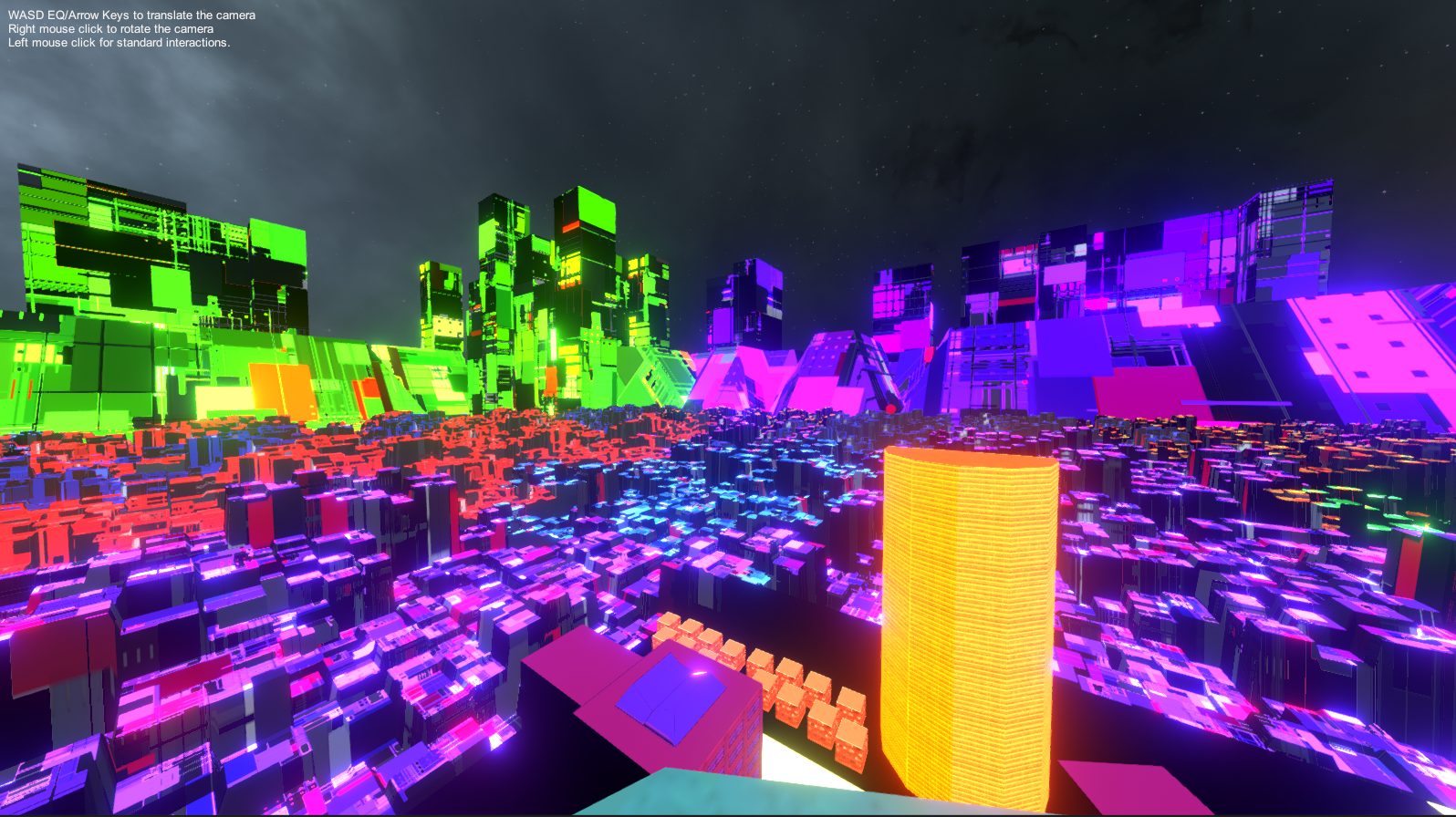
the background props and city scape are rendered using the same Toon Shader with Bloom applied to them and some color grading added to make the scene a bit darker and the general color of the scene more vibrant.


the shader used in TowerDrop is an updated version of the Mighty Duck, that game ran on the legacy pipeline. Tower Drop uses lightweight Render Pipeline. so i had to update the shader to work with it. this shader is based on Unity’s Lightweight Lit Shader.
there was an issue with converting between the two pipelines for example methods for retrieving view direction does not exists in LWRP so i had to calculate that my self. Unity’s documentation is outdated as it only covers the legacy pipeline.
after some research into how to go about solving it, this is the solution i came up with for that problem
Core.hlsl contains a struct that store information of the view space position of an object. and the method to retrieve it. the solution i came up with for that was this.
mul((half3x3)unity_CameraToWorld,vInput.positionVS.xyz);it appears to return the correct the result for my purposes.
the audio system uses unity’s mixer to mix the audio levels of the background music and sound effects as well cycle through all the sound track in the music folder. the system will not pick the same track twice per cycle.
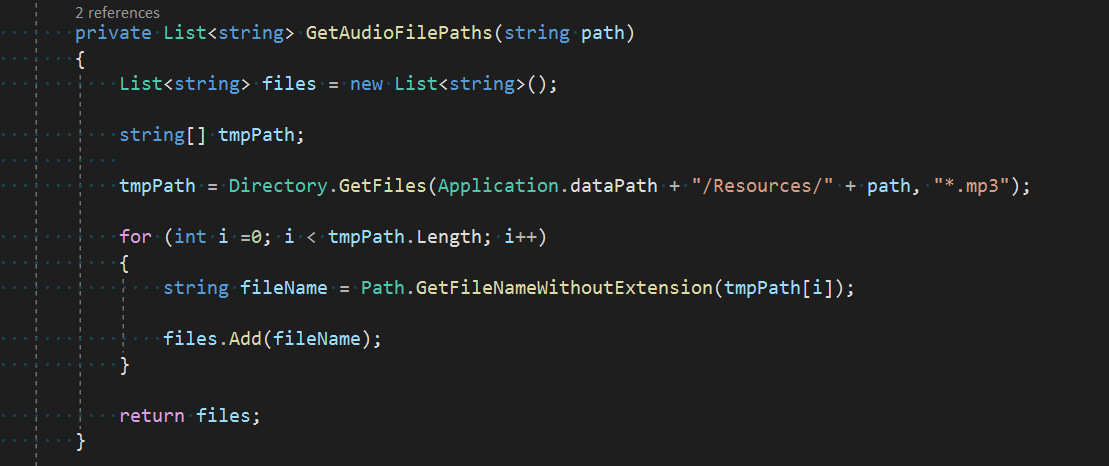
this method gets all the audio files from a path and then adds the name of each file without their extension to a list.
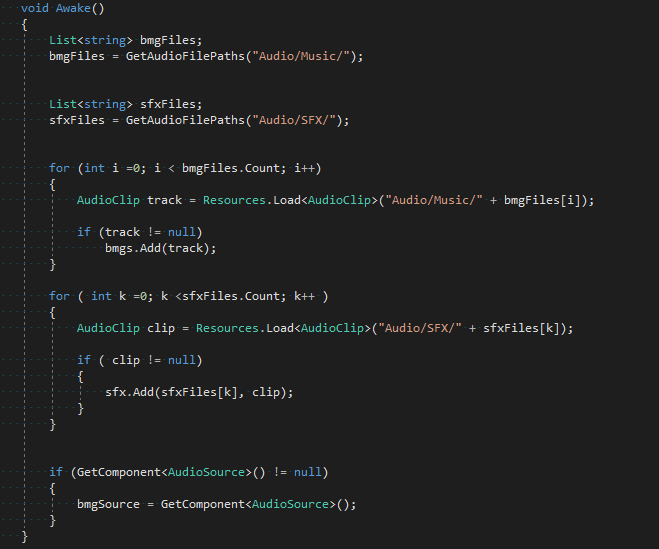
the on awake method load all music files and sound effects from their directories and generate audio clips from them and populate the list. sound effects are a little different as they are stored in a dictionary they are referred to by name when used.
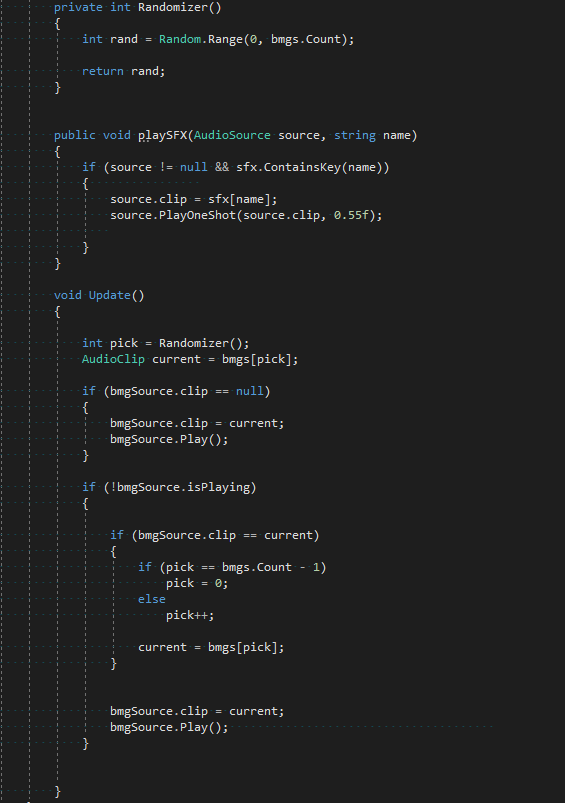
the randomizer method picks a number between zero and the max count of the music list, in the update method if the music source is empty assign a random track from the list and play it.
If there is already a track and it has finished playing pick another random track. when the new selection is the same as the current skip to next track in the list. there is a check to make sure its not out of bounds. with this system its possible to keep adding music into the music folder the without having to recompile to game every time
the playSFX method is for playing sound effects, it takes in a source and the name of the sound effect file to get the SFX stored in the dictionary.
TowerDrop is a tower defense VR game with the player as the monster throwing stuff at NPCs, the NPCs will ragdoll after being hit by the rubble that player throws at them. The players hit points will reduce if the NPCs reaches them, the theme is a cyberpunk city with neon lights
i worked on the Audio System and shader for this game. i had an idea based of mix 94.5 song Randomizer. i planned for a system that parse through all the tracks in the Music folder, and them pick a track at random to play. the system will not pick up the same track twice.
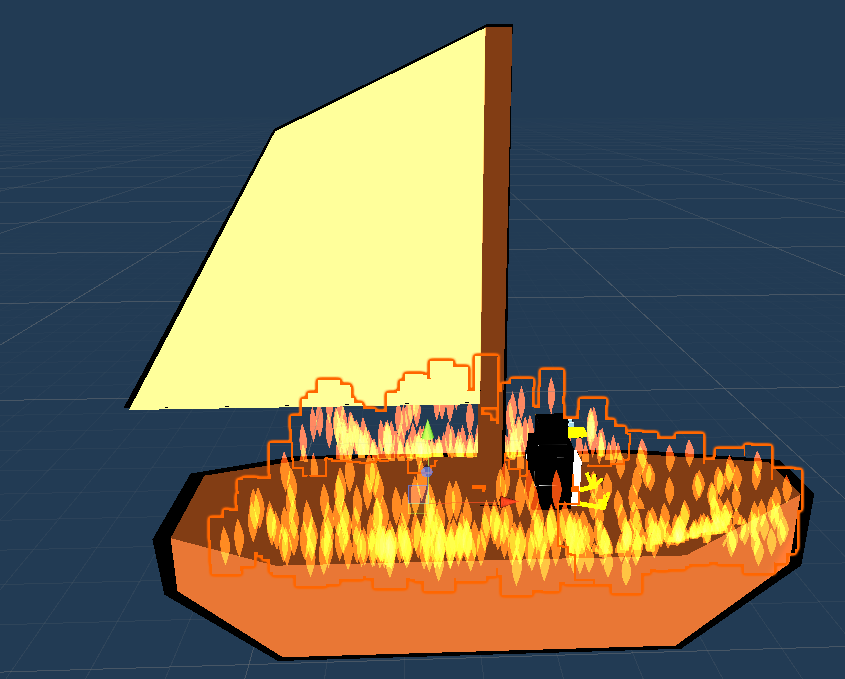
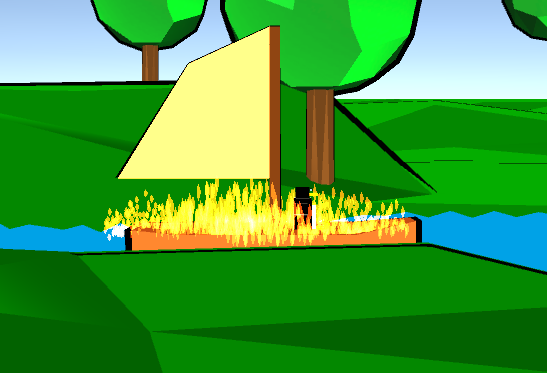
the boat has it own spawner that spawns it in every 15 seconds. it is destructible and will light on fire when it reaches 50% of its health, there is a shader on the particles to give it that cartoon look.

the next thing i worked on is the Toon shading for the game, i have done some experiments into shader programming before this is the first time i wrote it for use in a game.
this is the outline pass that uses the technique that expands the mesh culling the front and then applying a color, this method is the simplest to implement but it has it draw backs.
when applied to certain objects can result in artifacts and broken outline depending on camera angle and distance. however for our game that isn’t really an issue the camera is far back enough that it won’t be a problem and the camera is always in a fixed position.

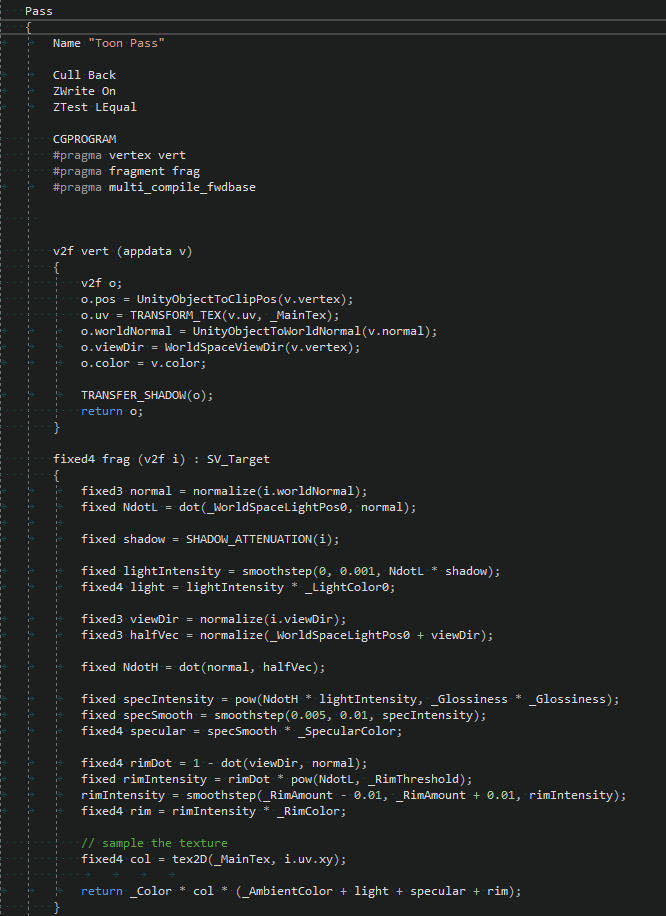
this is the toon pass where the objects are rendered with specular, ambient and rim lighting added to it to achieve the final result
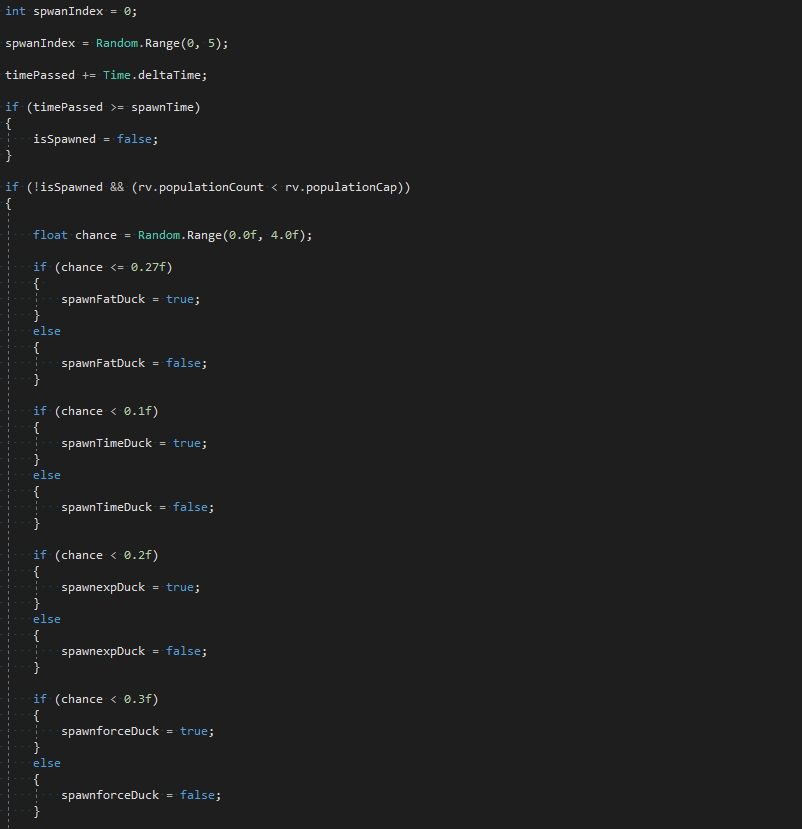
i worked on the duck spawning system, it spawns each types of ducks in the game by a percentage chance, the normal ones will appear more than the special kind.
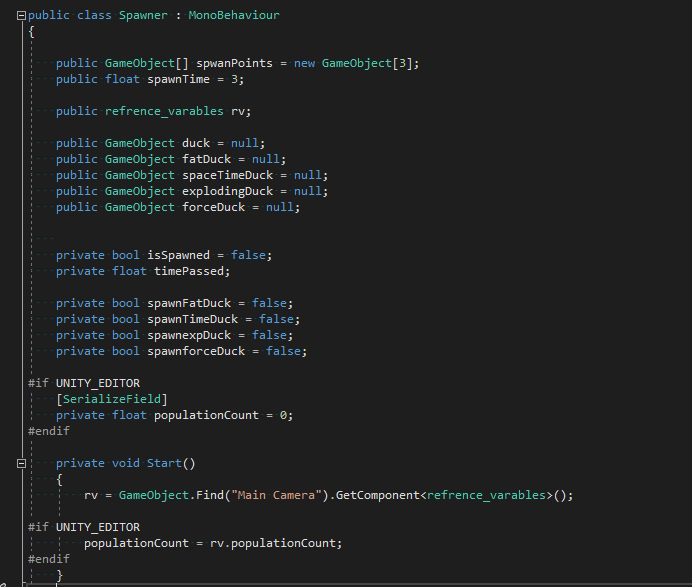
the majority of the code for spawning all of them is pretty similar. this can probably be refactored into one Spawn Method.
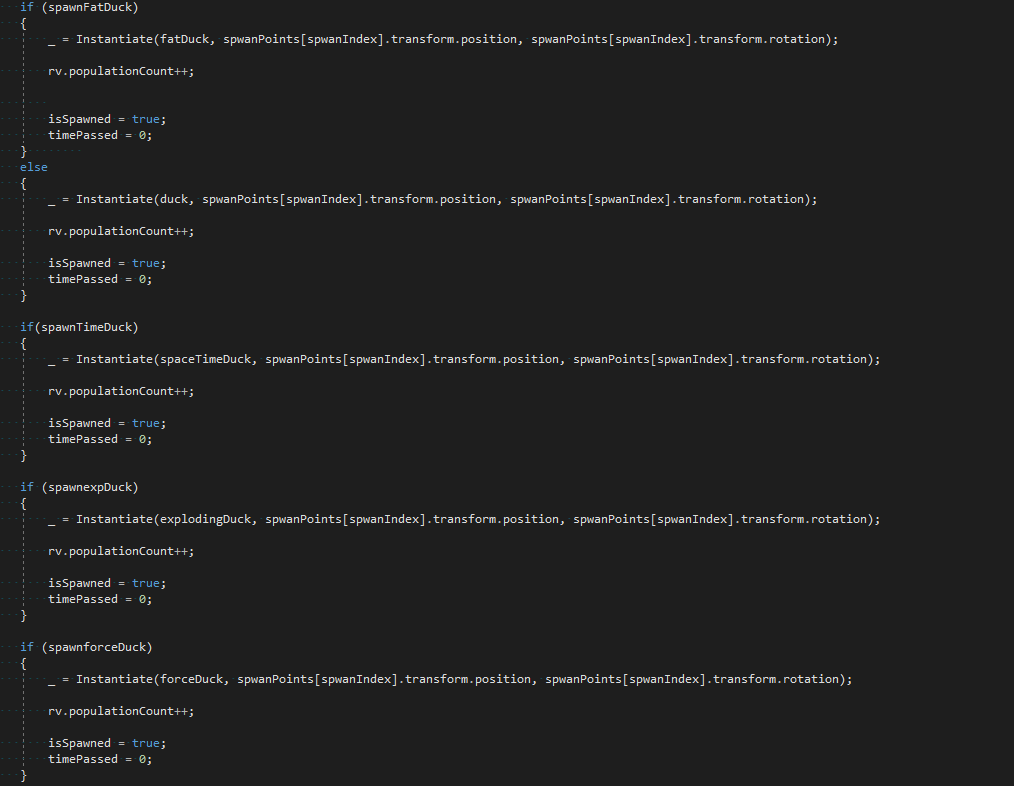
this should really go into its own method to get called in update.
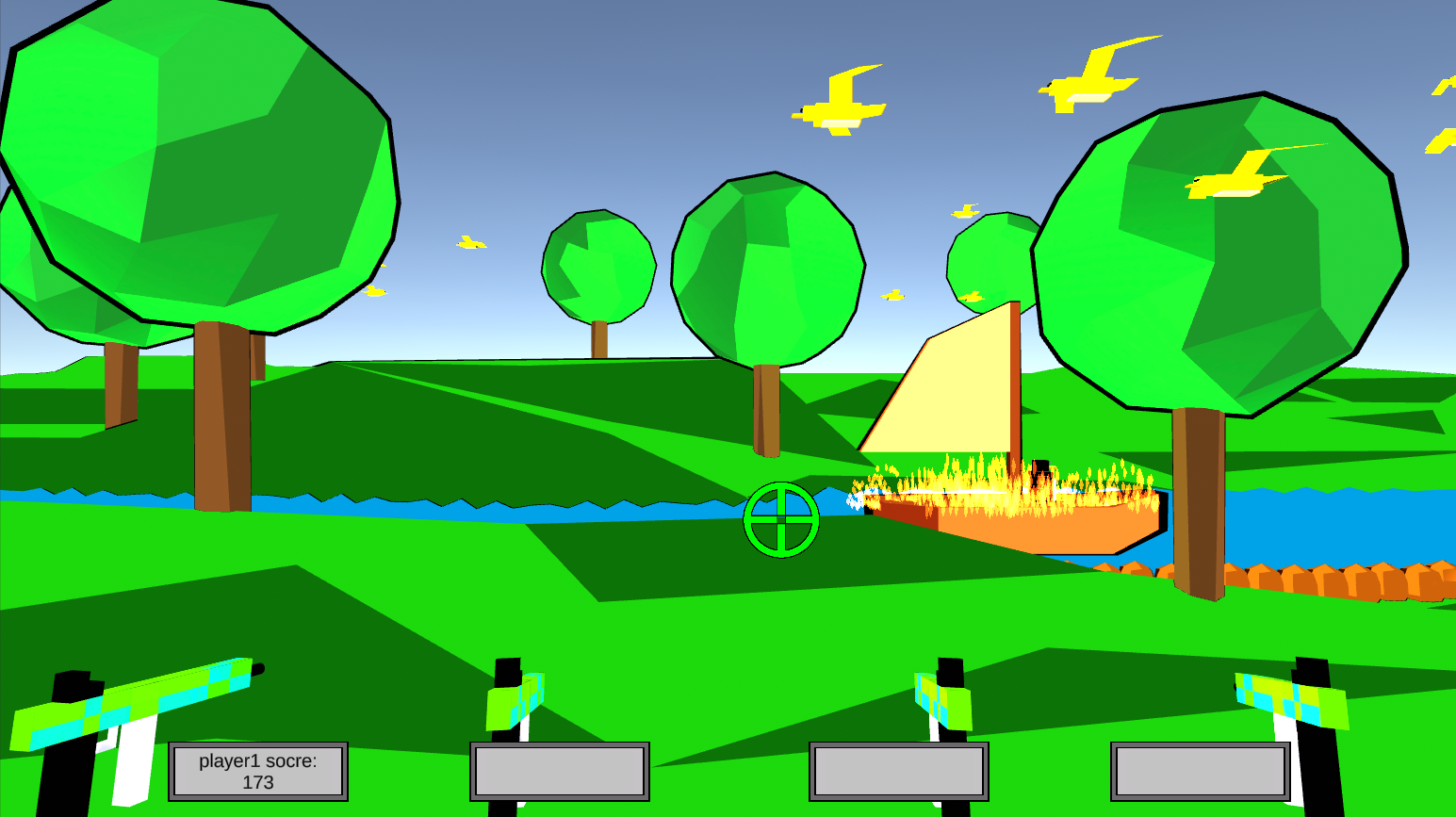
This is a four player local mulitplayer game, the core mechanics of the game is to shoot as many ducks as possible as they spawn and fly on to the screen. This game is inspired by the original Duck Hunt on the NES.
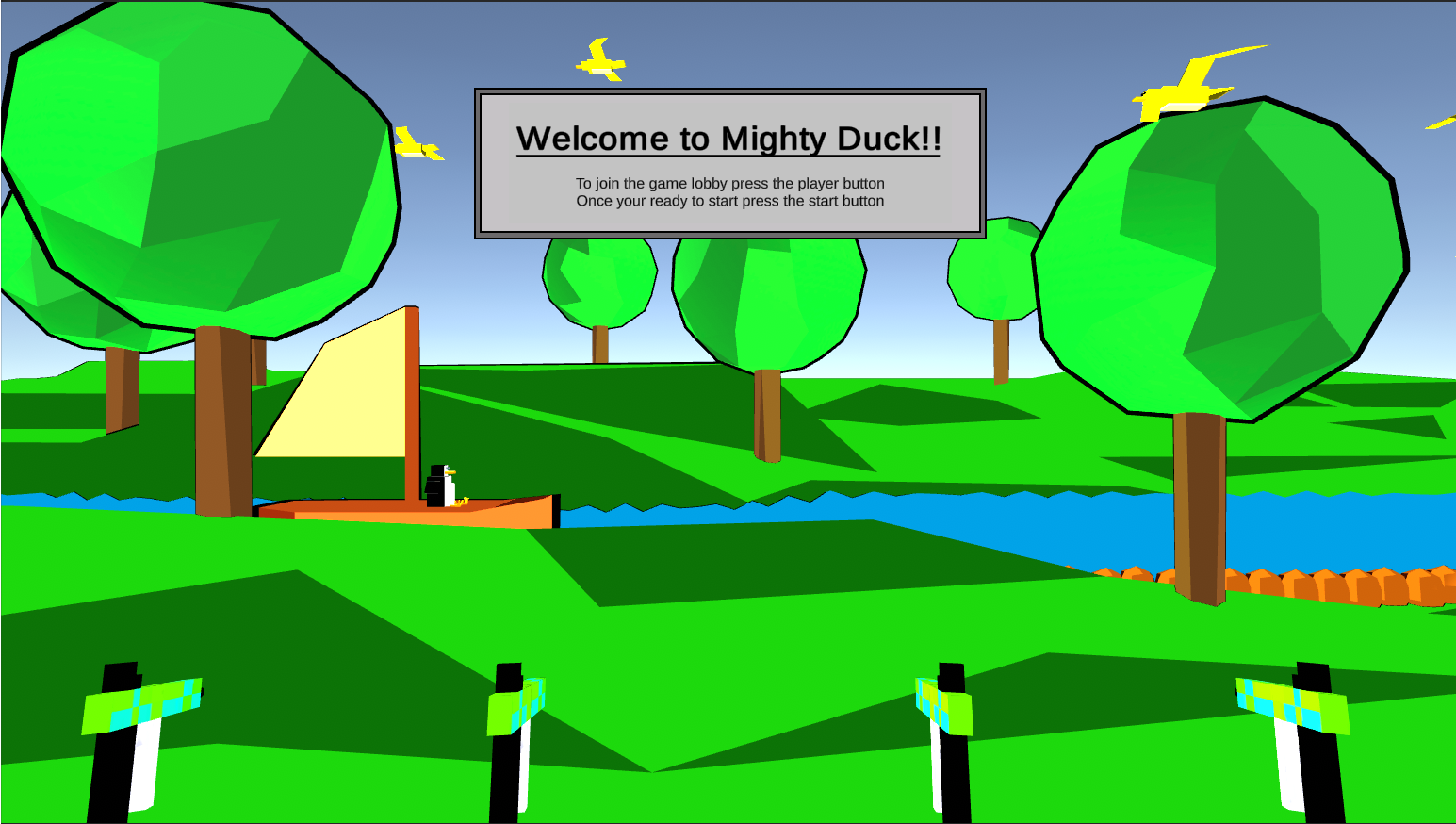
I coded the spawning system and Toon shader for this game. It is a low ploy model game we chose the style to make it cartoon like.

I made the level change color after a certain distance this is controlled by the PaletteController, it takes in preset colors in the inspector.
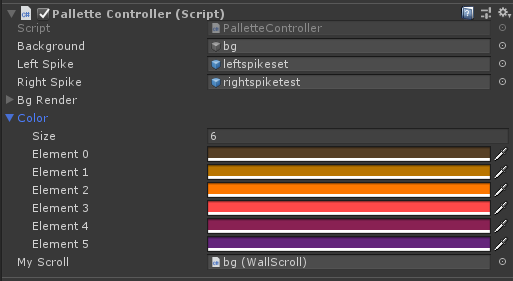
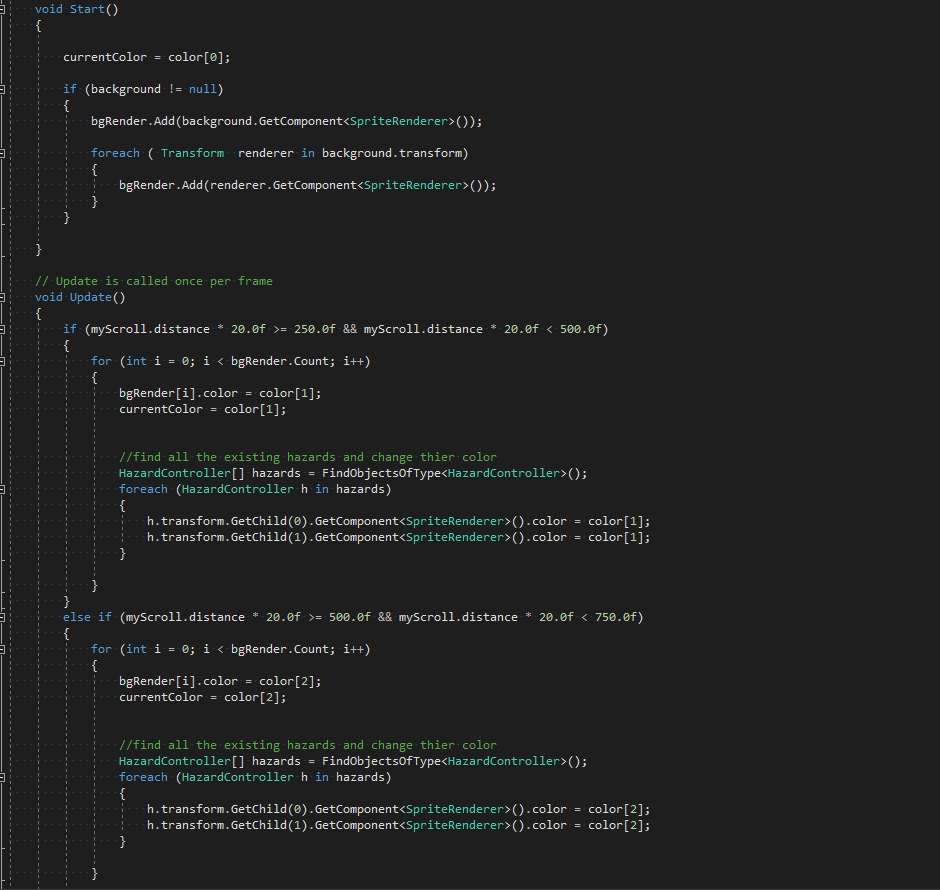
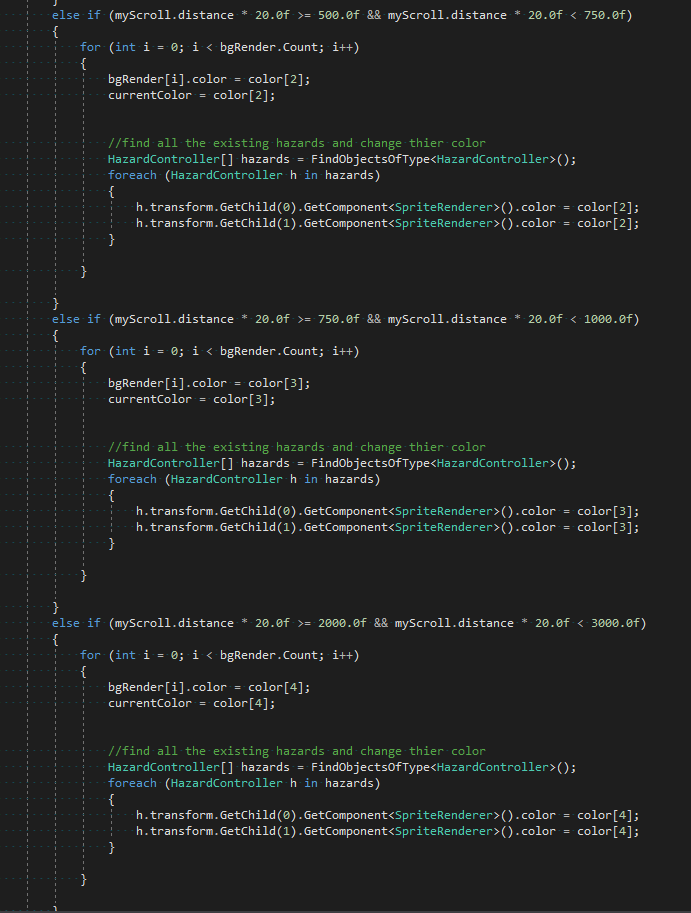
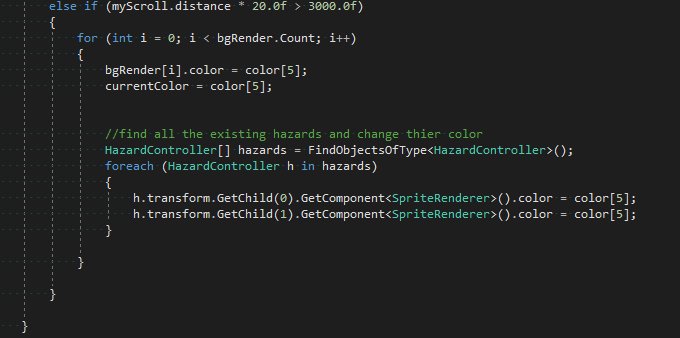
the code for switching between them after a certain distance is below, the background object is what changes the color. Here it gets a reference to the SpriteRenderer for all sections of the level and then in the update method loops through all the background renderer to change the color after a certain distance. the color of spike hazards wall attachments will also need to have its color changed. here I have hard coded the distance numbers these could be moved into variables for better readability and management same with the color selection.
 Thanh Hon